
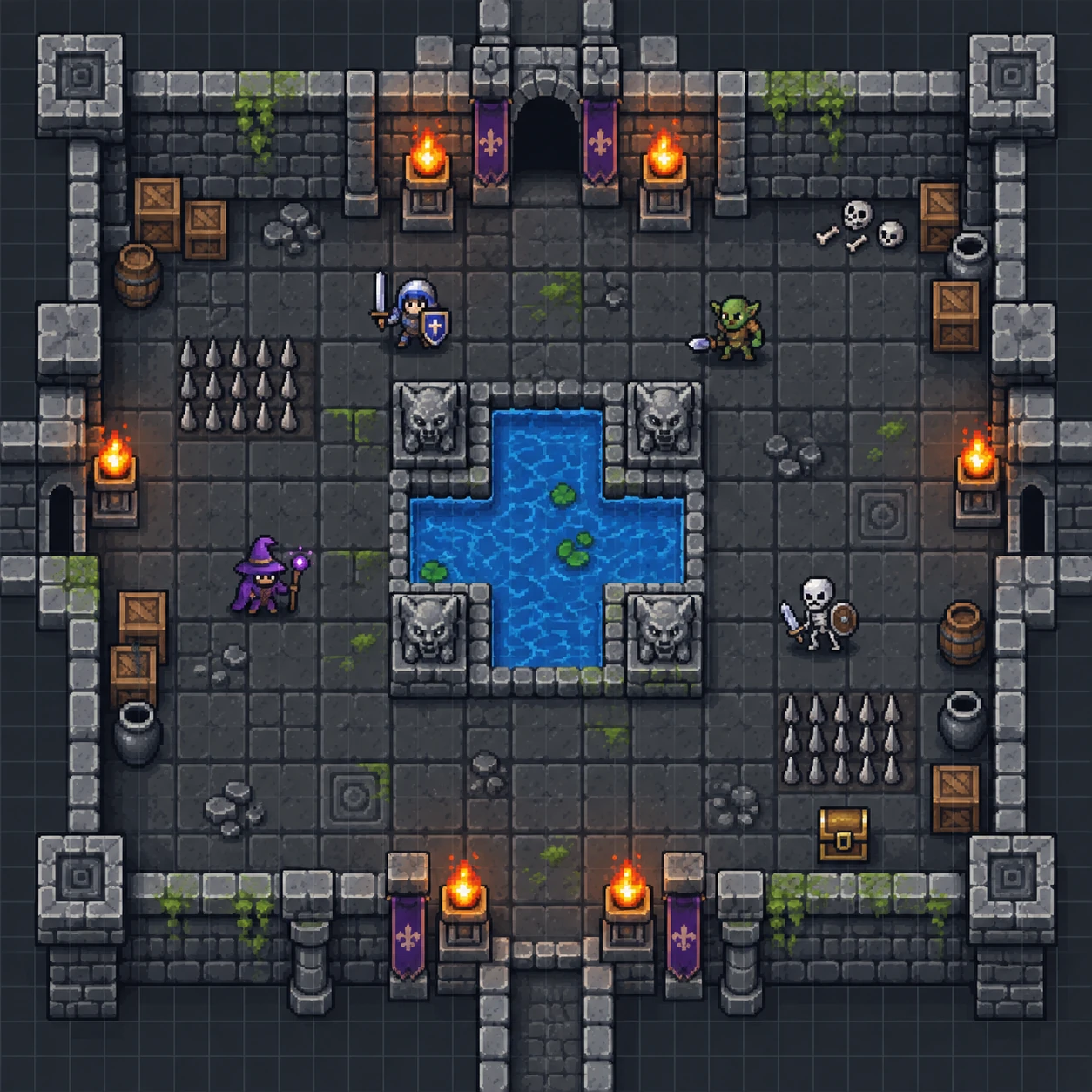
Start with a place
Open a starter encounter or begin with a fresh grid.
RPG Map Editor · online & offline
Paint a place for your next session. Start with a real encounter, edit it in your browser, and export a clean map for the table.
Online from $3/month · Offline €14.99 one-time · PNG export in both
Bonus for game devs
Making a video game instead of running a table? RPG Map Editor can generate starter tilemap bundles—manifest, tileset, and loader scaffold—for Unity, Godot, Cocos, Phaser, GDevelop, Bevy, LOVE 2D, Defold, and Flame. Logos identify compatible export targets; RPG Map Editor is independent and not endorsed by these engine teams.
 Unity
Unity Godot
Godot Cocos
Cocos Phaser
 GDevelop
 Bevy
Bevy LOVE 2D
 Defold
 Flame
FlameA simple, browser-based studio
Focused tools for dungeon masters who need a useful map quickly. No blank-canvas anxiety, no sprawling dashboard.
Browse starter maps ↗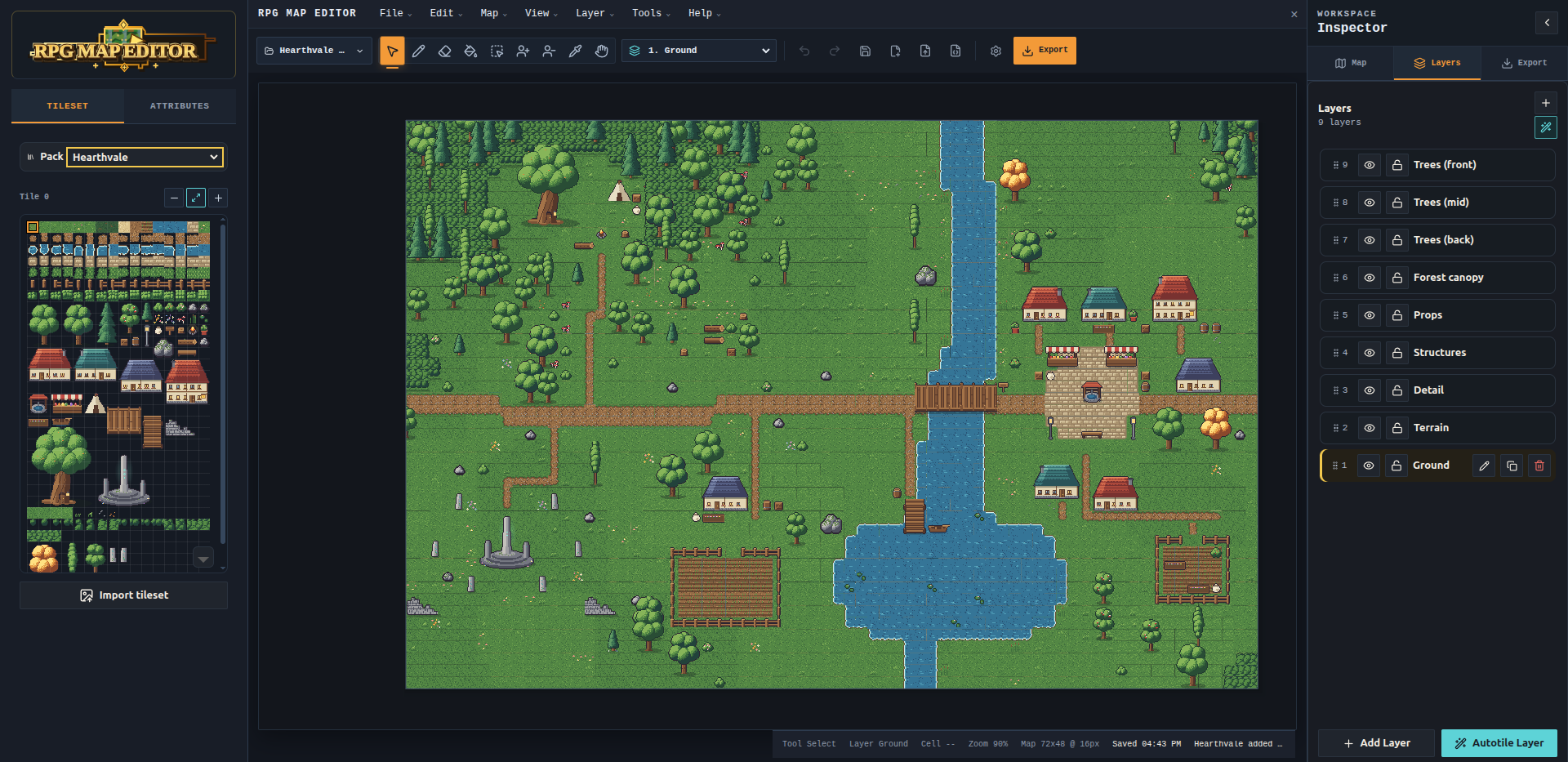
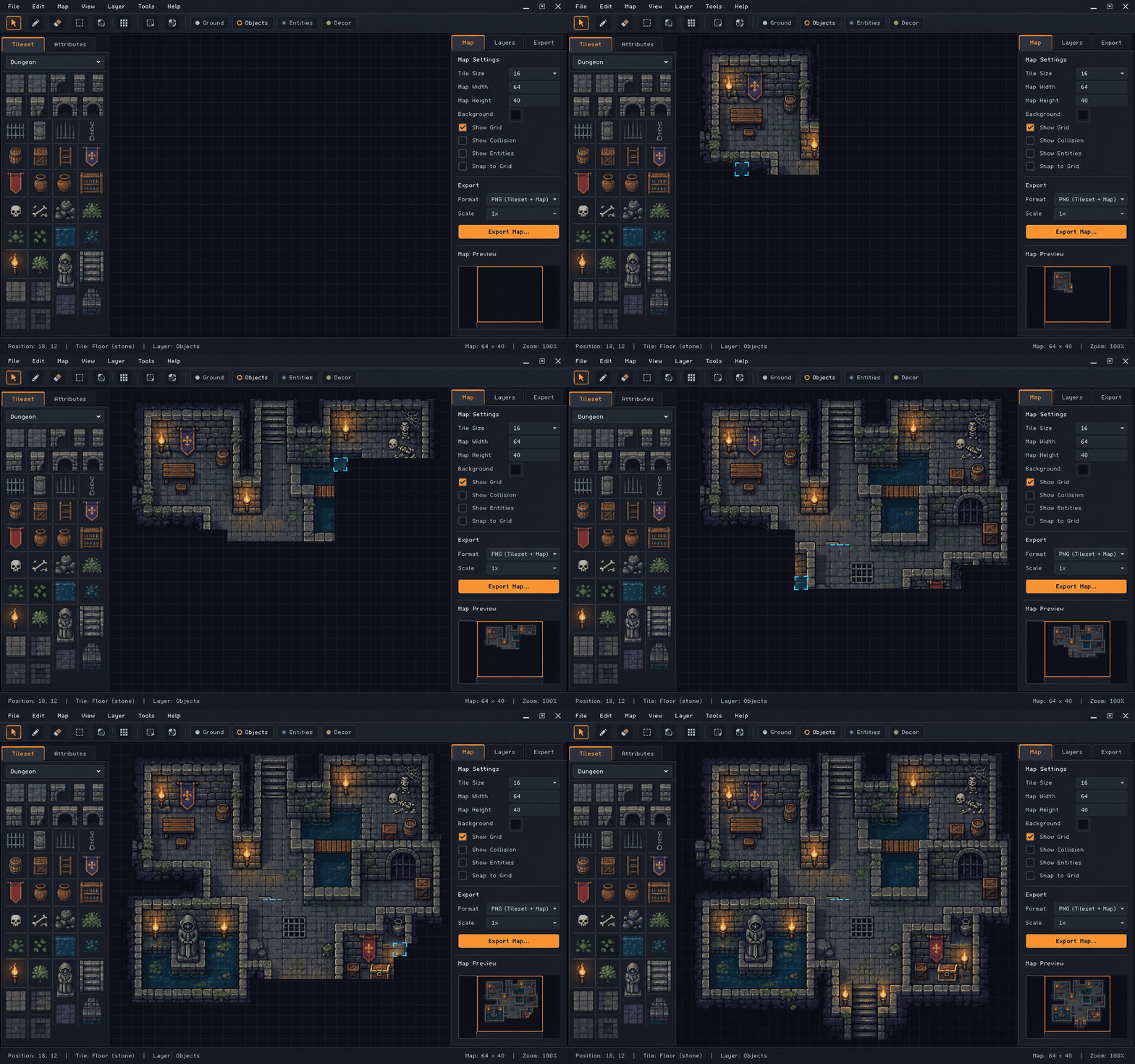
A map, layer by layer
Paint broad terrain, shape rivers and paths, then add trees and props on their own layers. Refine the scene without starting over.
Choose your edition ↗01 · 02 · 03
Open a starter encounter or begin with a fresh grid.
Paint terrain, move props, and keep the important spaces clear.
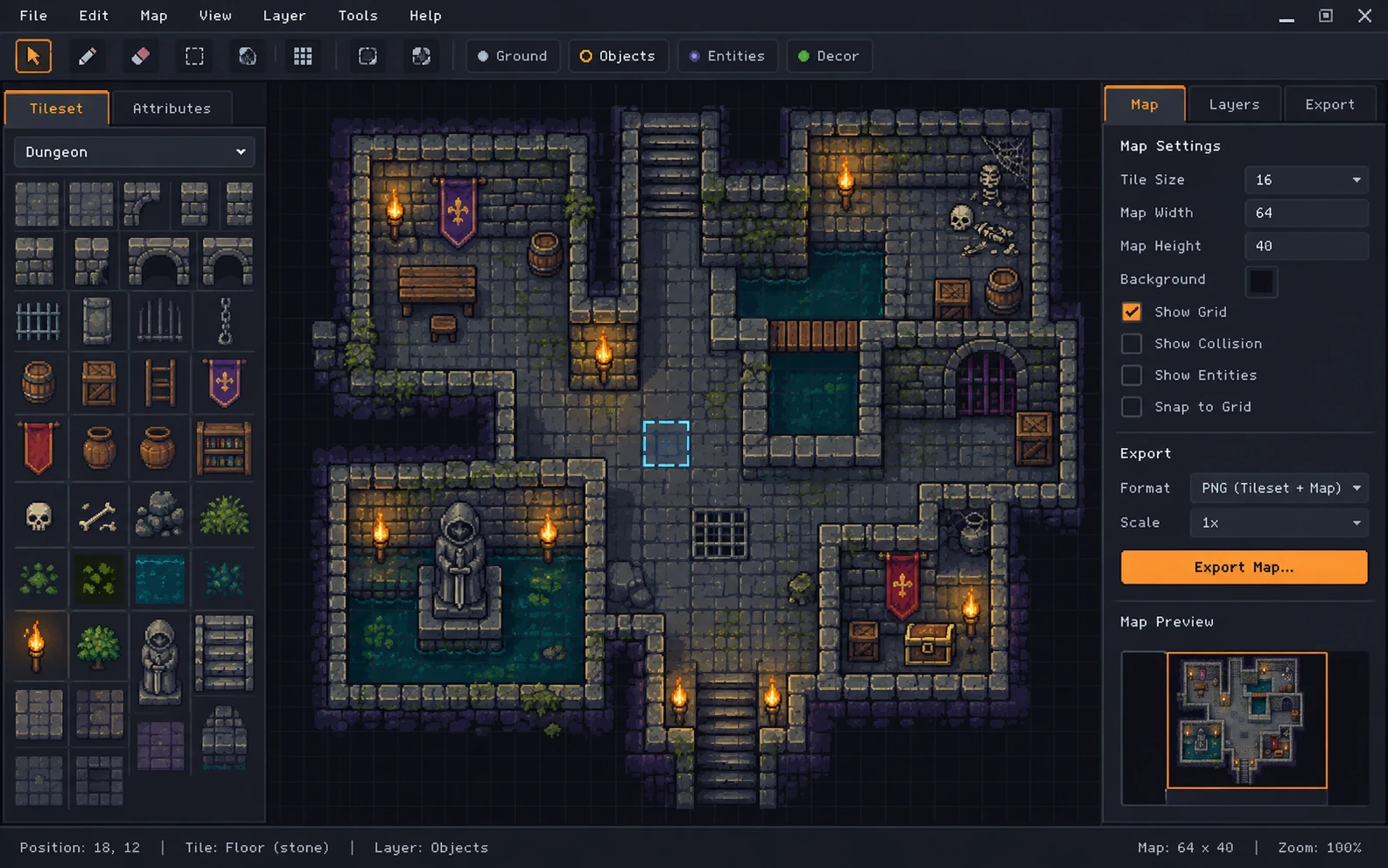
Download a PNG for your VTT, your printer, or your table.
Built for encounter prep
Drag in a tileset, paint a room, and save the version your group will actually use.
Get started →Use the bundled packs or bring your own artwork.
Keep layers, props, and terrain easy to understand.
Keep an editable project file beside your exported PNG.
Two editions · one editor
Same tools and exports in both. Choose where your maps live.
Online Edition · subscription
$3/month
Cancel anytime · no install
Create an account, then secure checkout by Stripe.
Offline Edition · one-time
€14.99one-time
No subscription · license never expires
Installers are being finalised. Checkout opens at release.
Real editable starters

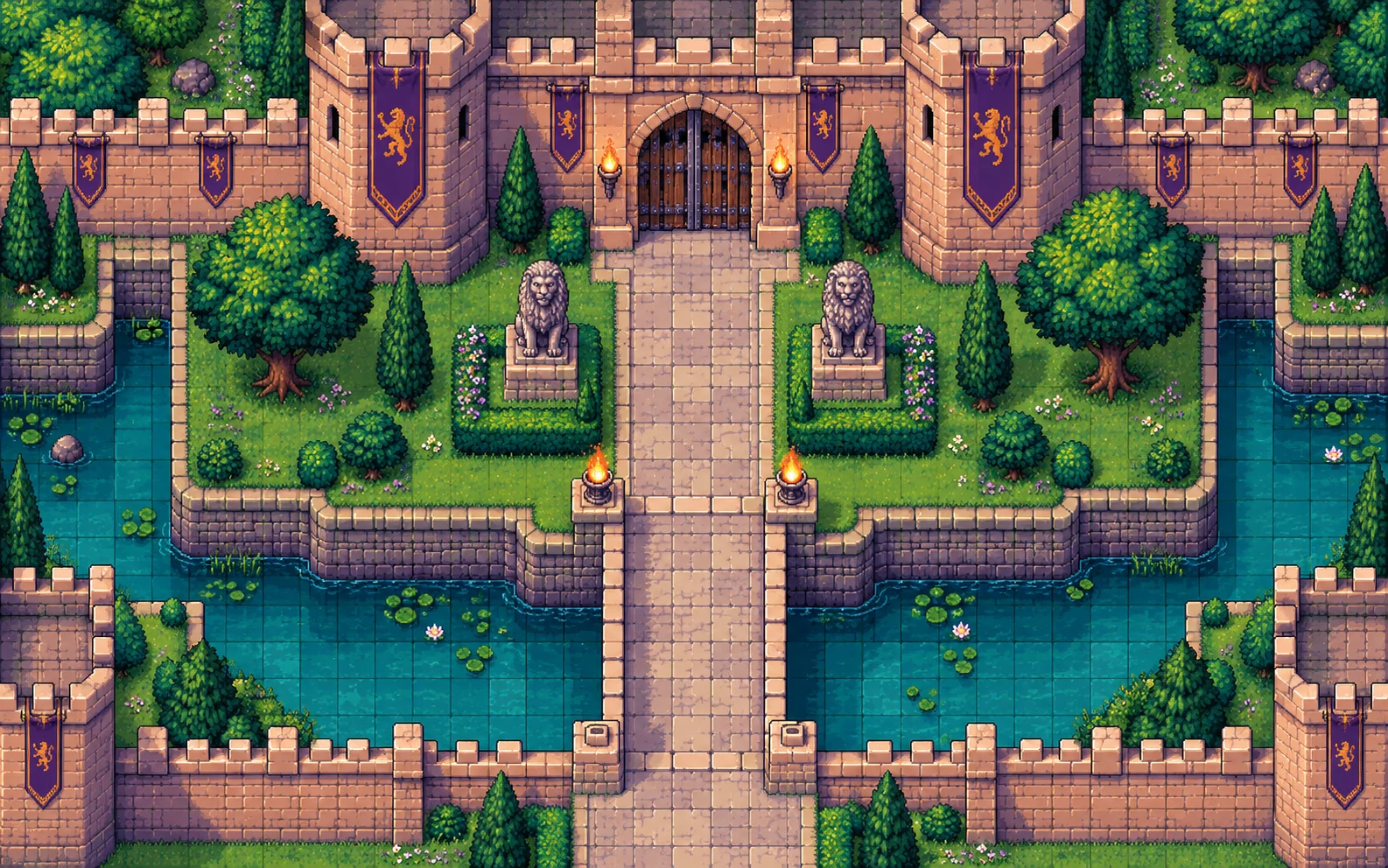
A bright Tiny Swords-inspired forest route with castle gates, river crossings, flags, and clear tactical cover.
Sign in to edit
A tent, campfire, and a quiet riverbank. Move the props to turn a rest stop into an encounter.
Sign in to edit
A narrow crossing with open approaches. Change the bridge and cover to shape a chokepoint.
Sign in to editBefore you start
Both include the complete editor and PNG export. Online is a subscription in your browser with unlimited cloud maps and share links. Offline is a €14.99 one-time desktop app for Windows and Linux that saves to your disk and works without internet.
Yes. Export a PNG, upload it to Roll20 or Foundry VTT, and set the grid scale there.
Not for the Online Edition — use any modern desktop browser. If you prefer an installed app, the Offline Edition runs on Windows and Linux.
The session starts with a place.
Online from $3/month or Offline for €14.99 once.